How Ceiling Fans Improve AC Efficiency in Estero Homes
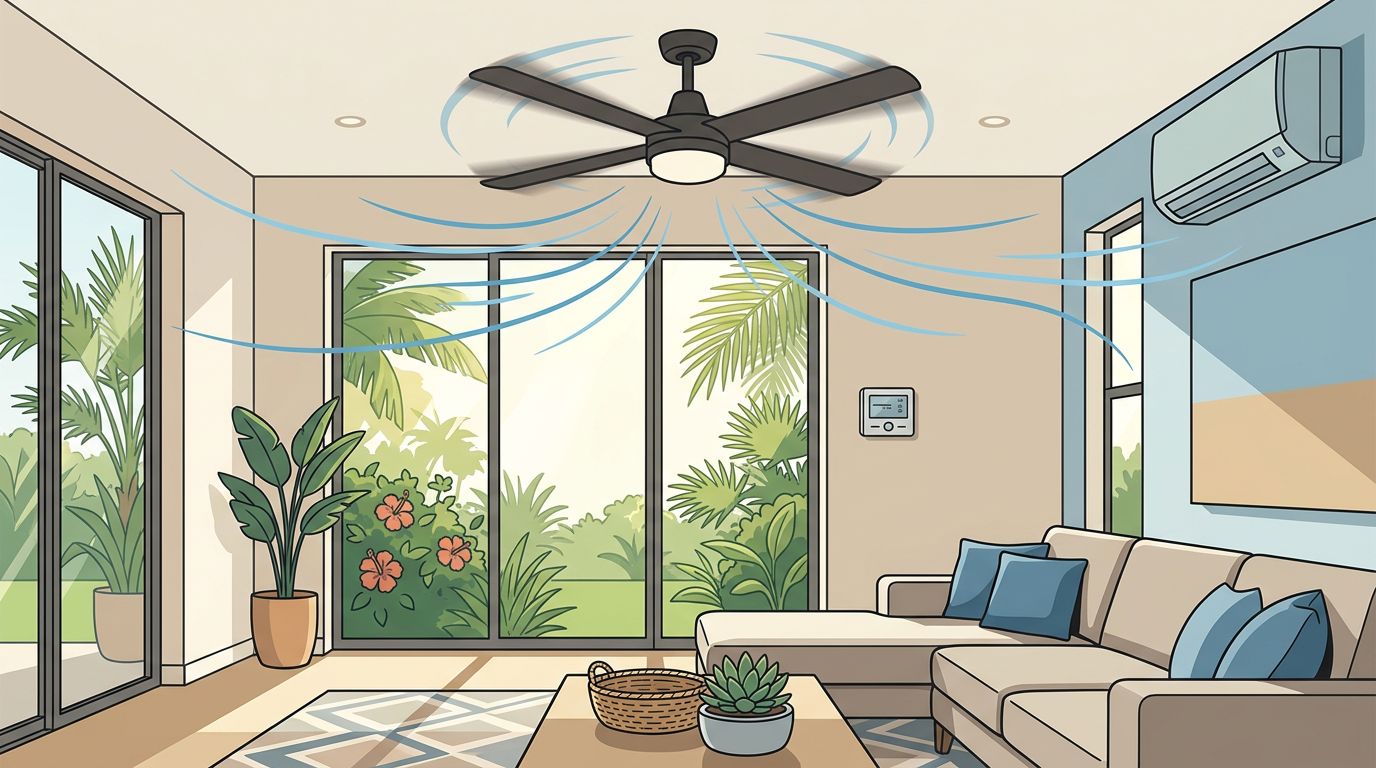
A ceiling fan won't lower the temperature shown on your thermostat, but it can make a room feel several degrees cooler. That difference matters during an Estero summer, when your air conditioner may run for long stretches to manage heat and humidity.
Used correctly, a ceiling fan lets you stay comfortable at a slightly higher thermostat setting. The AC then runs less often, while the fan moves cooled air where you need it. Good results depend on placement, speed, humidity control, and a healthy cooling system.
Key Takeaways
- Ceiling fans cool people, not the air itself.
- Raising the thermostat a few degrees while a room is occupied can reduce AC runtime.
- Turn fans off in empty rooms because they don't cool furniture or reduce humidity.
- Choose the correct fan size, install it at a safe height, and use the summer airflow direction.
- A fan can't fix weak airflow, high humidity, short cycling, or an aging AC system.
What a Ceiling Fan Changes, and What It Doesn't
Your air conditioner removes heat from indoor air and pulls moisture from it. A ceiling fan doesn't perform either task. Instead, it circulates air across your skin, helping sweat evaporate faster. That moving air creates a cooling sensation even though the room's actual temperature stays nearly the same.
This difference explains why ceiling fans can support AC efficiency without replacing air conditioning. When you're sitting in a living room, working at a desk, or sleeping beneath a bedroom fan, the airflow helps you feel comfortable at a higher thermostat setting. A setting of 78 degrees with a fan may feel similar to a lower setting without one, although comfort varies by person and humidity level.
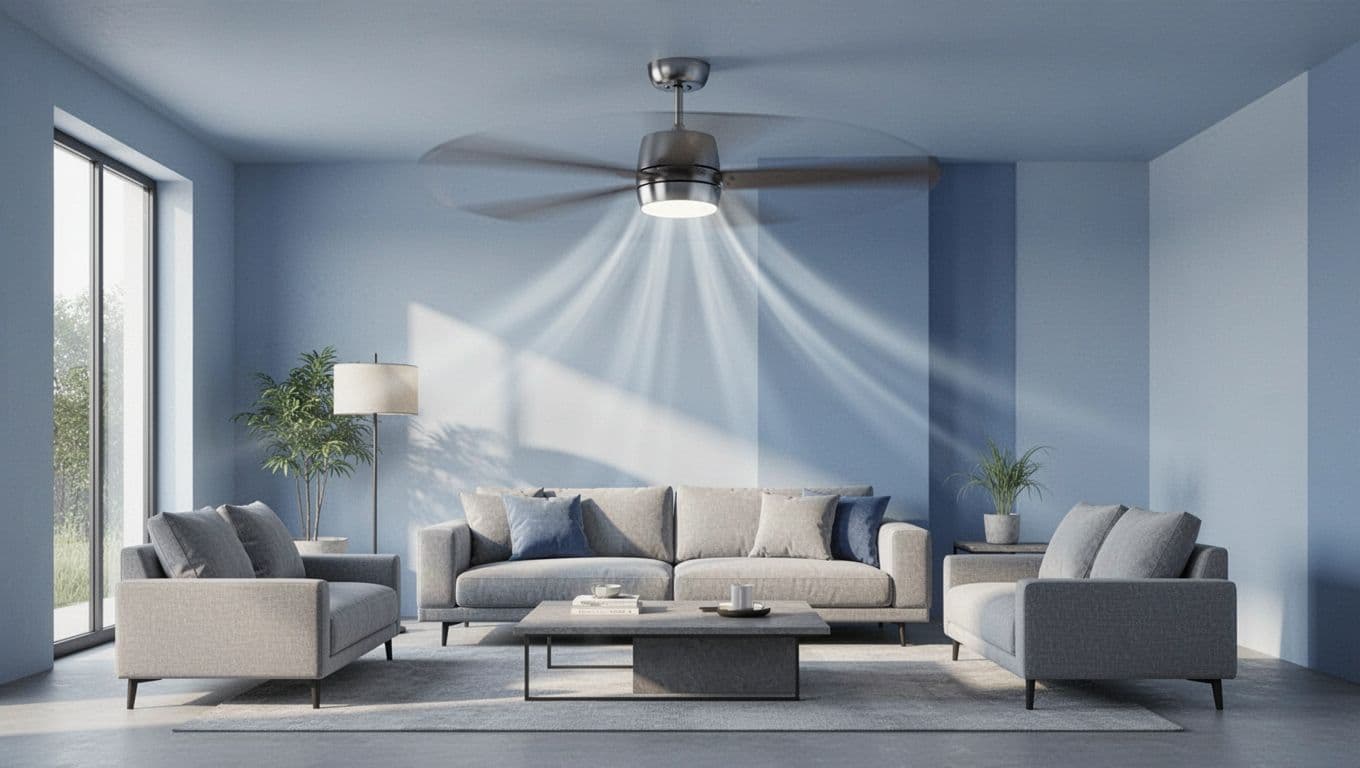
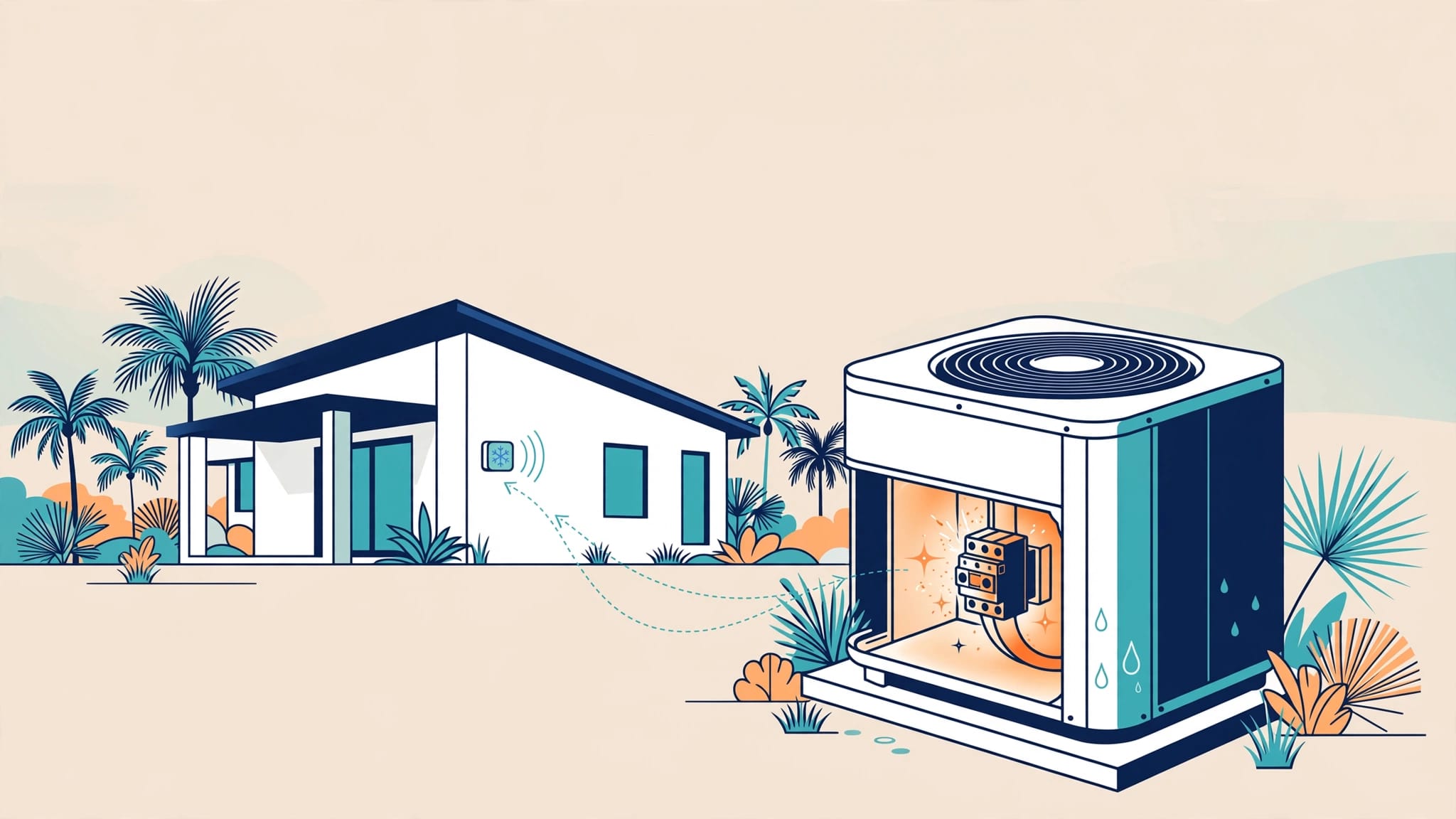
The fan doesn't make your AC compressor work less during each cooling cycle. However, a higher thermostat setting can reduce how often the system starts and how long it operates. That can lower cooling energy use and reduce wear on components such as the compressor, blower motor, and contactor.
A ceiling fan improves personal comfort, while the AC handles temperature and humidity.
Fans also use electricity, so running every fan in the house all day defeats part of the savings. Turn a fan on when someone occupies the room, then switch it off when the space is empty. A remote control, wall switch, or smart control can make that routine easier.
Why This Matters in Estero's Hot, Humid Climate
Estero homes face more than high outdoor temperatures. Moisture in the air affects how comfortable a room feels, and your AC must remove that moisture while cooling the space. A fan can help your skin feel cooler, but it cannot dry the air.
That limitation matters when you adjust the thermostat. If you raise the setting too far, the AC may run too little to control indoor humidity. The room could feel clammy even when the temperature looks acceptable. A small digital hygrometer can help you watch indoor relative humidity. Many homeowners aim to keep it below 60 percent, with lower levels often feeling more comfortable.
Open floor plans add another challenge. A fan in one room won't push air evenly through every connected space. Furniture, walls, cabinets, and high ceilings all affect circulation. In a great room, a properly sized fan can improve comfort beneath the blades, but it won't replace balanced ductwork or a correctly sized AC system.
Ceiling fans can also help in bedrooms and guest rooms where people spend hours in one location. A moderate speed may let you sleep comfortably without forcing the central system to cool the entire house to a lower temperature. In rooms with vaulted ceilings, a downrod-mounted fan can move air more effectively than a small flush-mount model.
Outdoor fans require separate planning. A fan on a covered lanai can improve comfort for people sitting outside, but it doesn't cool the indoor rooms. Select a wet-rated model for areas exposed to rain and a damp-rated model for protected locations. Estero's salt air can also speed up corrosion on unsuitable fixtures and hardware.
How to Use Ceiling Fans With Your AC
The right settings matter as much as the fan itself. During Florida's cooling season, most ceiling fans should rotate counterclockwise when viewed from below. That direction pushes air downward and creates the strongest breeze at occupant level.
Start with low or medium speed. High speed can feel pleasant for a short time, but it may create noise, move papers, or feel uncomfortable while you sleep. Adjust the speed until the air feels refreshing without producing a strong draft.
Set the thermostat based on comfort, then test a slightly higher setting while the fan runs. Increase the temperature gradually rather than making a large change during the hottest part of the afternoon. If the room becomes sticky, lower the setting or ask an HVAC professional to check humidity control.
Use these habits to get better results:
- Run fans only in occupied areas. The breeze cools people, not empty rooms.
- Keep the AC fan setting in "Auto" unless your HVAC technician recommends continuous circulation. "On" can move air constantly, but it may also return moisture to the home after a cooling cycle.
- Close doors and windows while the AC runs. Outside humidity makes the system work harder.
- Keep the thermostat away from direct fan airflow. A thermostat that reads an unusual local temperature may not represent the room.
- Clean the blades and housing regularly. Dust can spread through the room and unbalance the fan.
- Use ceiling fans to support, not hide, comfort problems. If you need maximum speed to tolerate a room, the AC or airflow may need attention.
Fans work best when the home already has reasonable air distribution. If one room stays hot while others feel cold, the issue may involve duct leakage, poor return airflow, insulation, solar heat, or an incorrect system size.
Choosing the Right Ceiling Fan for an Estero Home
Fan size affects both comfort and energy use. A small fan may leave a large great room feeling still, while an oversized model can create excessive airflow in a compact bedroom. Follow the manufacturer's room-size recommendations, since blade shape and motor performance also affect coverage.
As a general starting point, rooms up to about 100 square feet often suit fans near 36 inches. Spaces around 100 to 225 square feet commonly use models near 42 to 52 inches. Larger rooms may need a fan 52 inches or wider, or more than one fan. A long, narrow room may benefit from two smaller fixtures instead of one large fan.
Mounting height also matters. Blades should typically sit at least 7 feet above the floor, and a longer downrod often works better under a high or vaulted ceiling. Keep the fan away from walls, cabinets, and tall furniture so the blades can move air freely.
Before installation, confirm that the ceiling electrical box is rated for a fan. A standard light-fixture box may not support the weight or vibration. A qualified installer can check the box, wiring, support structure, switch controls, and balance. Proper installation prevents wobbling, noise, and unnecessary stress on the motor.
For Florida homes, look for finishes designed to handle moisture when installing a fan near a bathroom, lanai, or other damp location. Outdoor-rated models need weather-appropriate construction. Indoor fans should stay indoors, even when a covered patio looks protected.
The motor type, controls, and light kit also affect daily use. A quiet DC motor may offer convenient speed control, while a simple AC motor can suit a basic bedroom installation. Choose a model you can operate easily, because energy savings disappear when the fan sits unused or runs in empty rooms.
When a Ceiling Fan Can't Solve an AC Problem
A ceiling fan can make a warm room feel better, but it cannot correct a failing air conditioner. Watch for signs that the cooling system needs service:
- The AC blows warm or weak air.
- One room stays hot despite strong fan airflow.
- The system turns on and off repeatedly.
- Indoor humidity remains high or condensation appears.
- The unit makes grinding, buzzing, or rattling sounds.
- The thermostat setting keeps dropping without improving comfort.
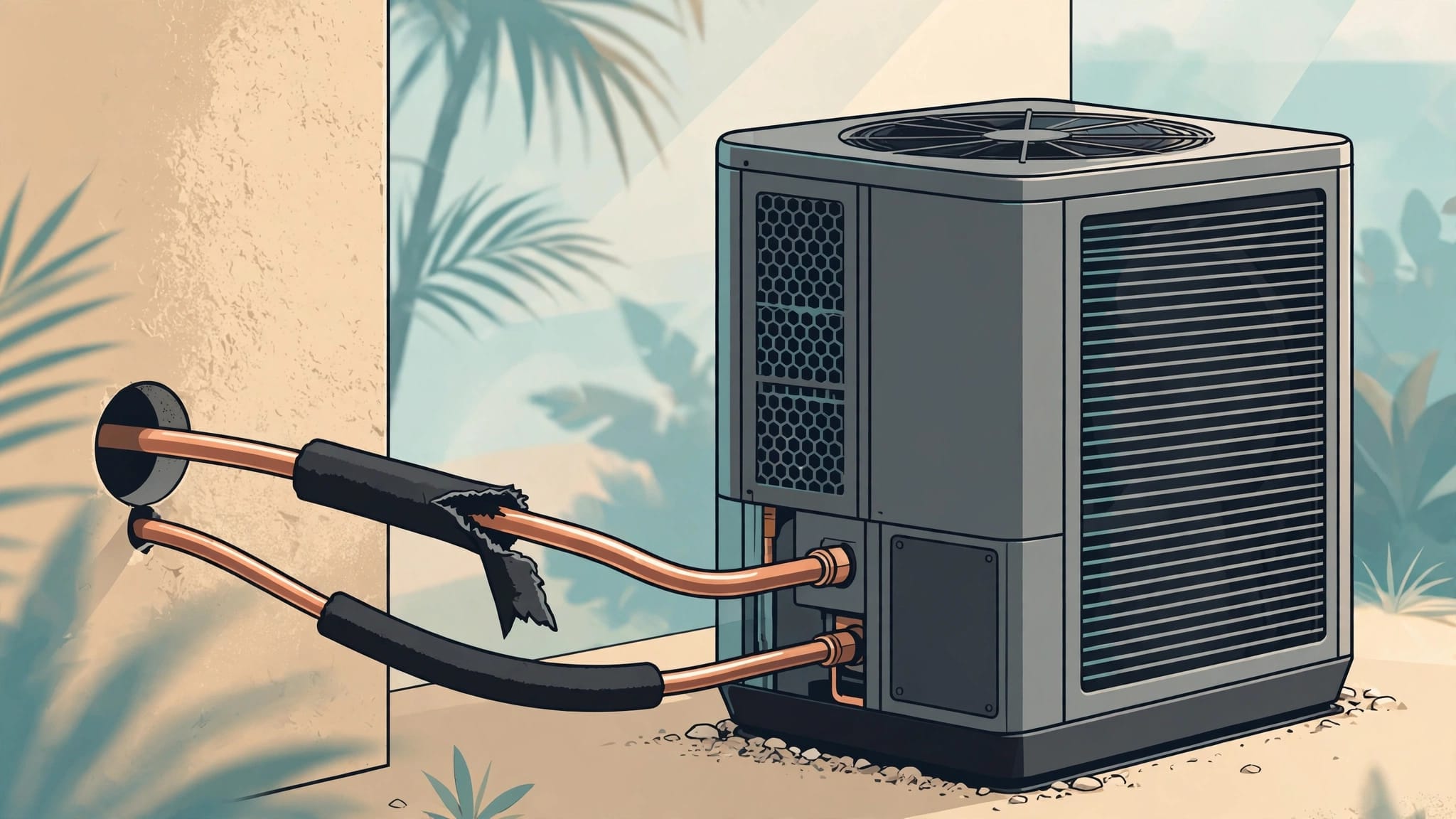
- Ice forms on the refrigerant line or indoor coil.
A dirty filter can restrict airflow and make the system run longer. Blocked return grilles, closed supply vents, dirty coils, and duct leaks can create similar symptoms. Refrigerant problems and electrical faults require trained service, not a lower thermostat setting.
Regular maintenance helps the AC handle Estero's long cooling season. A technician can inspect electrical connections, clean accessible components, check airflow, examine drain operation, and look for signs of declining performance. Homeowners should also replace filters on the schedule recommended for their home, pets, filter type, and indoor air conditions.
If your system struggles even with fans running, schedule your AC service before the problem grows. When an unexpected breakdown leaves your home without cooling, emergency AC repair services can address urgent problems.
A fan may hide discomfort for a while, but it can't remove humidity, repair a compressor, or restore lost airflow. Use it as part of a sound comfort plan, not as a substitute for maintenance.
Conclusion
Ceiling fans support AC efficiency by helping people feel comfortable at a higher thermostat setting. They circulate air across occupied areas, while the air conditioner manages temperature and humidity.
For Estero homeowners, the best results come from using the correct fan direction, choosing the right size, and turning fans off in empty rooms. If a room remains hot, damp, or poorly ventilated, have the AC and ductwork checked. A fan can improve comfort, but a well-maintained cooling system protects comfort throughout the home.
Recent Posts