Babcock Ranch AC Maintenance Before Summer Travel
Summer travel should leave you thinking about your destination, not your vacant home. In Babcock Ranch, heat and humidity can build indoors quickly when an air conditioner stops running. That can damage comfort, increase odors, and create conditions that support mold growth.
A few careful steps before departure can help protect your home, manage indoor humidity, and reduce the chance of an AC failure while you're away. Start with a system check, then set the thermostat and prepare the parts that handle drainage, airflow, and outdoor exposure.
Key Takeaways
- Keep the AC running while you're away instead of shutting it off completely.
- Set a reasonable cooling temperature and use humidity controls when available.
- Replace a dirty filter and check the condensate drain before leaving.
- Clear the outdoor unit and protect it from avoidable storm and power issues.
- Respond quickly to high-temperature or high-humidity alerts.
Why Vacant Babcock Ranch Homes Still Need Air Conditioning
Turning off the AC may seem like the easiest way to save energy during a trip. In Southwest Florida, however, a vacant house can become hot and damp within hours. The air conditioner removes moisture whenever it cools the home, so a system that never runs can't control indoor humidity.
High humidity affects more than how the house feels. It can create musty odors, damage wood materials, and encourage mold growth on surfaces with poor airflow. Sensitive electronics, furniture, flooring, and stored clothing also benefit from a stable indoor environment.
A completely shut-down system may also face a harder restart after a long hot period. Heat can build around the thermostat and throughout the home. When you return, the system may need to run for an extended time before the house feels comfortable again.
Leaving the AC on doesn't mean keeping the home at your normal occupied temperature. Most homeowners can raise the setting several degrees while maintaining moisture control. The exact setting depends on your system, insulation, thermostat, and humidity levels.
A vacant Florida home still needs moisture control. Energy savings from switching off the AC may create larger repair or cleanup problems later.
Before changing the setting, check whether your thermostat has vacation, away, or humidity-control functions. These features can reduce cooling while allowing the system to run when indoor conditions become too warm or damp.
Schedule Babcock Ranch AC Maintenance Before Your Trip
A maintenance visit is easier to arrange before travel than during a family vacation. If your system has operated continuously through warm weather, schedule service several days before departure. That gives you time to notice unusual sounds, weak airflow, or a drain problem after the technician leaves.
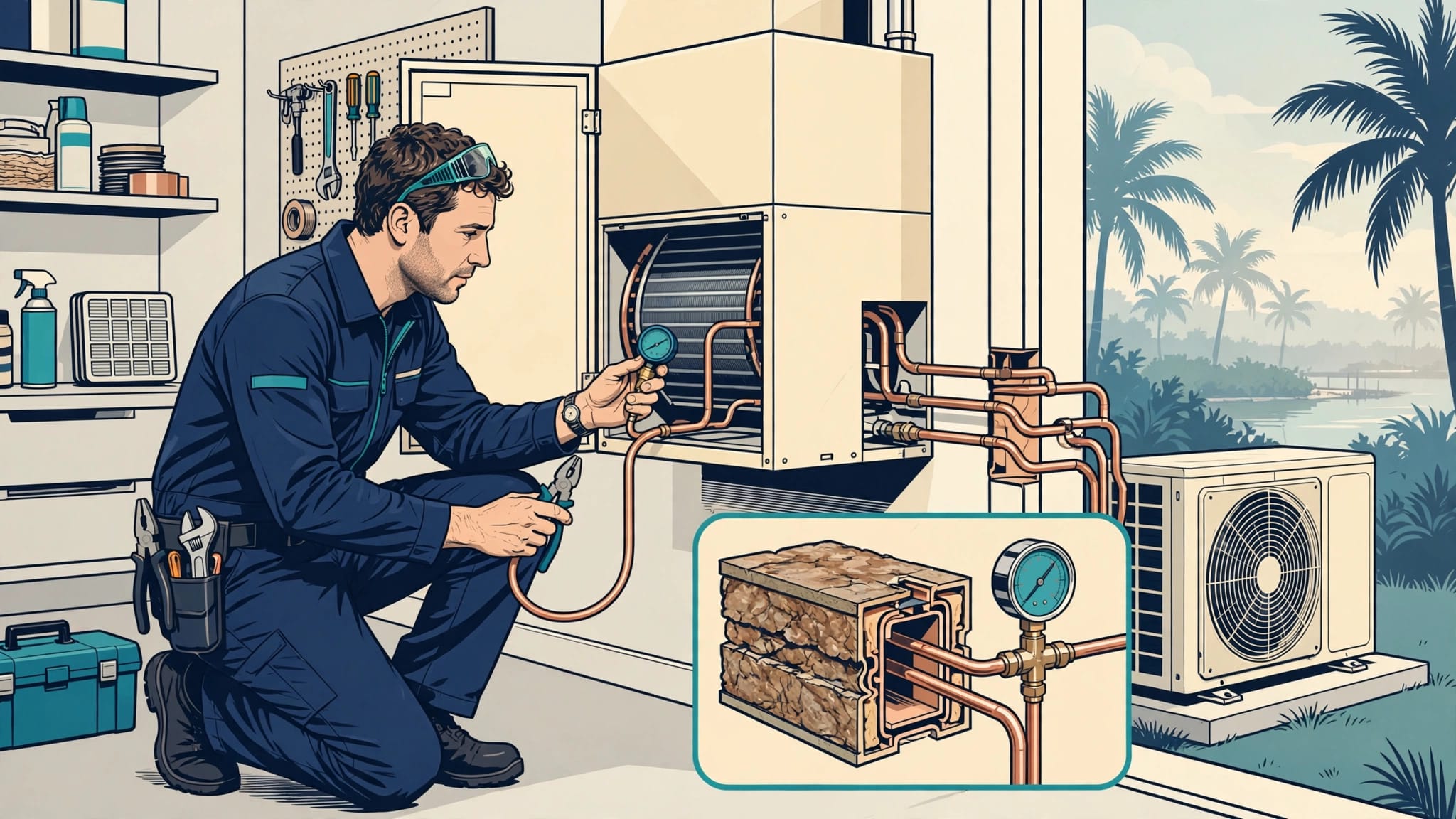
A proper visit should include an inspection of the indoor and outdoor equipment, electrical components, refrigerant performance, condensate drainage, thermostat operation, and airflow. The technician can also check the condition of the filter and condenser coil. These items affect whether the system can cool efficiently during long summer cycles.
Pay attention to warning signs before booking or during the visit. Warm air from the vents, frequent cycling, water near the indoor unit, ice on the refrigerant line, and new rattling sounds all deserve attention. A small problem can become a no-cooling call when the house is empty.
Homeowners who want recurring reminders can review Sunset Gulf HVAC maintenance membership plans. Scheduled cooling and heating visits, priority service, and repair discounts may help households that travel often or prefer a set maintenance schedule.
Don't wait until the day before departure for repairs. If a part needs replacement, the system needs deeper cleaning, or the drain line requires attention, a little extra time helps confirm that the AC runs normally afterward.
Set the Thermostat for Cooling and Humidity Control
The thermostat is your main control while you're away. Before leaving, confirm that the system is set to cool , the schedule matches your travel dates, and the fan is set to auto rather than continuously running.
A fan set to "on" can move air without actively removing moisture between cooling cycles. The auto setting allows the blower to run with the cooling cycle, which generally supports better humidity control and avoids unnecessary fan operation.
Many homeowners choose a vacant-home cooling setting around 80 to 82 degrees Fahrenheit. Your home may need a lower setting if it gains heat quickly, contains humidity-sensitive belongings, or has a history of moisture problems. Follow the recommendations for your equipment and monitor indoor humidity when possible.
If your thermostat supports a humidity target, aim to keep indoor relative humidity below 60 percent. A setting near 50 to 55 percent may provide a more comfortable buffer, but the correct target depends on the equipment and controls. Some systems need longer cooling cycles or a dedicated dehumidification mode to manage moisture well.
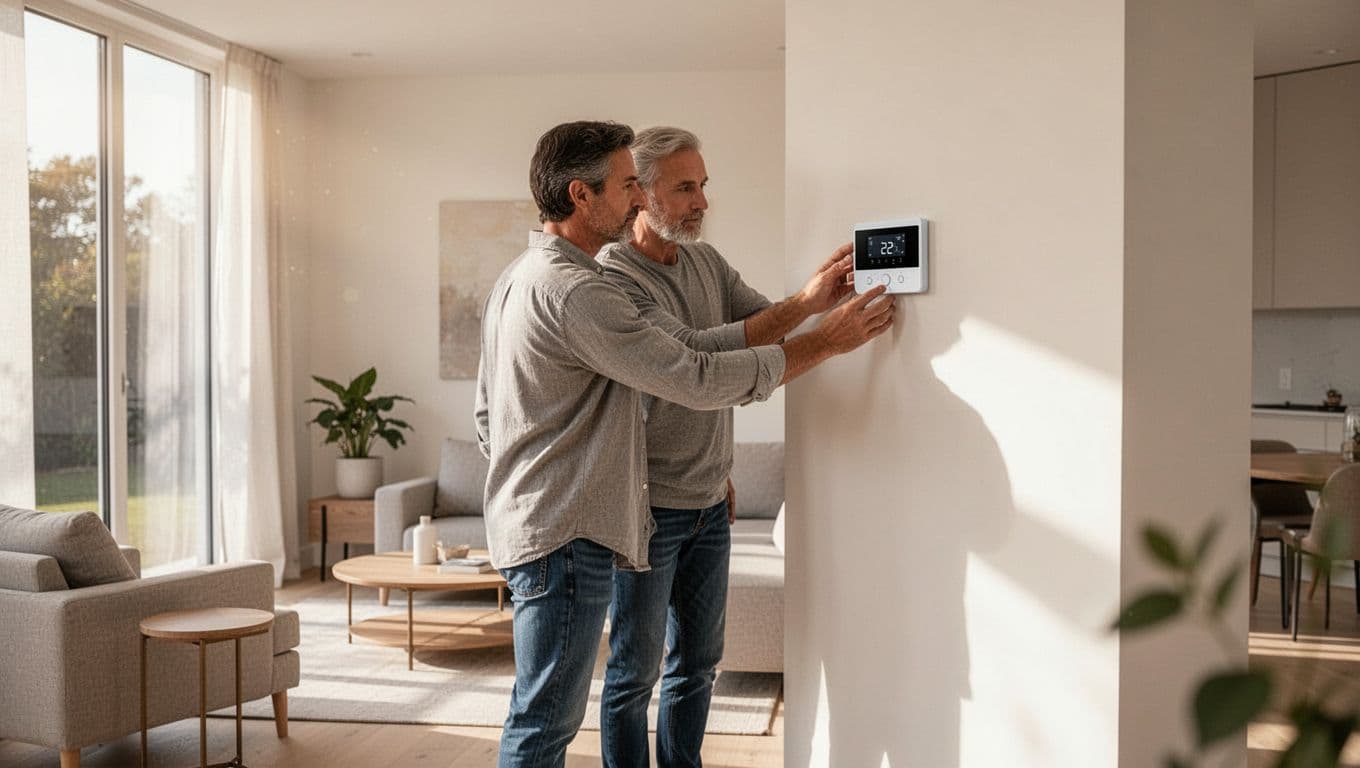
Smart thermostats can send alerts when indoor temperature or humidity moves outside your chosen range. Test the app before you leave. Check that the thermostat has a reliable Wi-Fi connection, current batteries if required, and the correct home time zone.
Keep the thermostat away from direct sunlight, supply vents, lamps, and drafty areas. A poor location can cause inaccurate readings and unnecessary cycling. If you recently installed a thermostat, confirm that it controls the AC correctly before traveling.
Protect Airflow, Drainage, and the Outdoor Unit
A clean filter is one of the simplest parts of Babcock Ranch AC maintenance. Replace it before departure if it looks dirty or reaches the replacement interval recommended for your filter. A clogged filter restricts airflow, makes the system work harder, and can contribute to frozen coils.
Don't install a filter with a higher rating than your system can handle unless an HVAC professional has approved it. A dense filter may improve particle capture, but it can also restrict airflow in equipment that isn't designed for it.
Next, inspect the condensate drain area near the indoor air handler. Look for standing water, algae buildup, staining, or a slow-draining line. Florida AC systems remove a large amount of moisture, and a blocked drain can trigger a float switch or cause water damage.
If your system has an accessible condensate safety switch, don't bypass it. Never pour chemicals into a drain unless the equipment manufacturer or a qualified technician recommends that product. Ask a professional to clear a recurring blockage and identify why it keeps returning.
Outside, remove leaves, grass, and other debris from around the condenser. Keep plants, patio items, and stored materials away from the cabinet so air can move freely. Don't place a cover over the condenser while it operates. An operating unit needs open airflow.
Before a storm, secure loose outdoor items and follow local safety guidance. Never approach or touch outdoor HVAC equipment during lightning, flooding, or unsafe conditions. After a power interruption, the system may need time before it restarts, and repeated breaker trips require professional service.
Your Short Pre-Departure AC Checklist
Complete these tasks at least a day before leaving:
- Schedule maintenance or repair if the system shows unusual performance.
- Replace the filter with the correct size and type.
- Set the thermostat to cooling, fan auto, and a suitable vacation temperature.
- Turn on humidity monitoring and test temperature alerts.
- Confirm the thermostat's Wi-Fi connection and battery condition.
- Check the condensate drain area for water or staining.
- Clear debris around the outdoor condenser.
- Close windows and doors so humid outdoor air can't enter.
- Ask a trusted person to check the home if your trip will last several weeks.
- Leave contact details for your HVAC provider and a local emergency contact.
Take a photo of the thermostat setting and equipment area before you leave. That record can help a house sitter identify a changed display, leak, or tripped breaker.
What to Do When You Receive a High-Temperature or Humidity Alert
A high-temperature alert doesn't always mean the AC has failed. A power outage, open door, weak Wi-Fi connection, or temporary demand during a hot afternoon can trigger it. Start by checking the thermostat app for the current temperature, operating mode, and recent system activity.
If the temperature continues to rise or indoor humidity climbs above 60 percent, contact your local home checker. Ask that person to inspect the thermostat, confirm that the breakers have not tripped, and look for water around the air handler. They should avoid opening electrical panels or working on refrigerant components.
If the system runs but the home stays warm, an HVAC technician should diagnose the problem. Possible causes include restricted airflow, a frozen coil, a condensate safety switch, electrical trouble, or a refrigerant issue. A technician can identify the cause safely and restore cooling before moisture damages the home.
Active water around the indoor unit needs prompt attention. Ask the person checking the home to stay clear of electrical hazards and contact an HVAC professional. If a storm, flooding, or electrical danger affects the property, no one should enter until conditions are safe.
Give your service provider permission to access the home before departure. Keep the thermostat app, alarm information, and contact numbers available so you can respond without searching through travel bags or old messages.
Conclusion
Preparing your AC before summer travel protects more than the temperature inside your Babcock Ranch home. A clean filter, open drain, clear condenser, and properly programmed thermostat help control heat and humidity while the house is vacant.
Keep the system running at a reasonable vacation setting, test your alerts, and arrange a local check for longer trips. With those steps in place, you can leave home with a better chance of returning to a cool, dry house instead of an avoidable HVAC problem.
Recent Posts