How to Tell if Your Thermostat Reads the Wrong Temperature
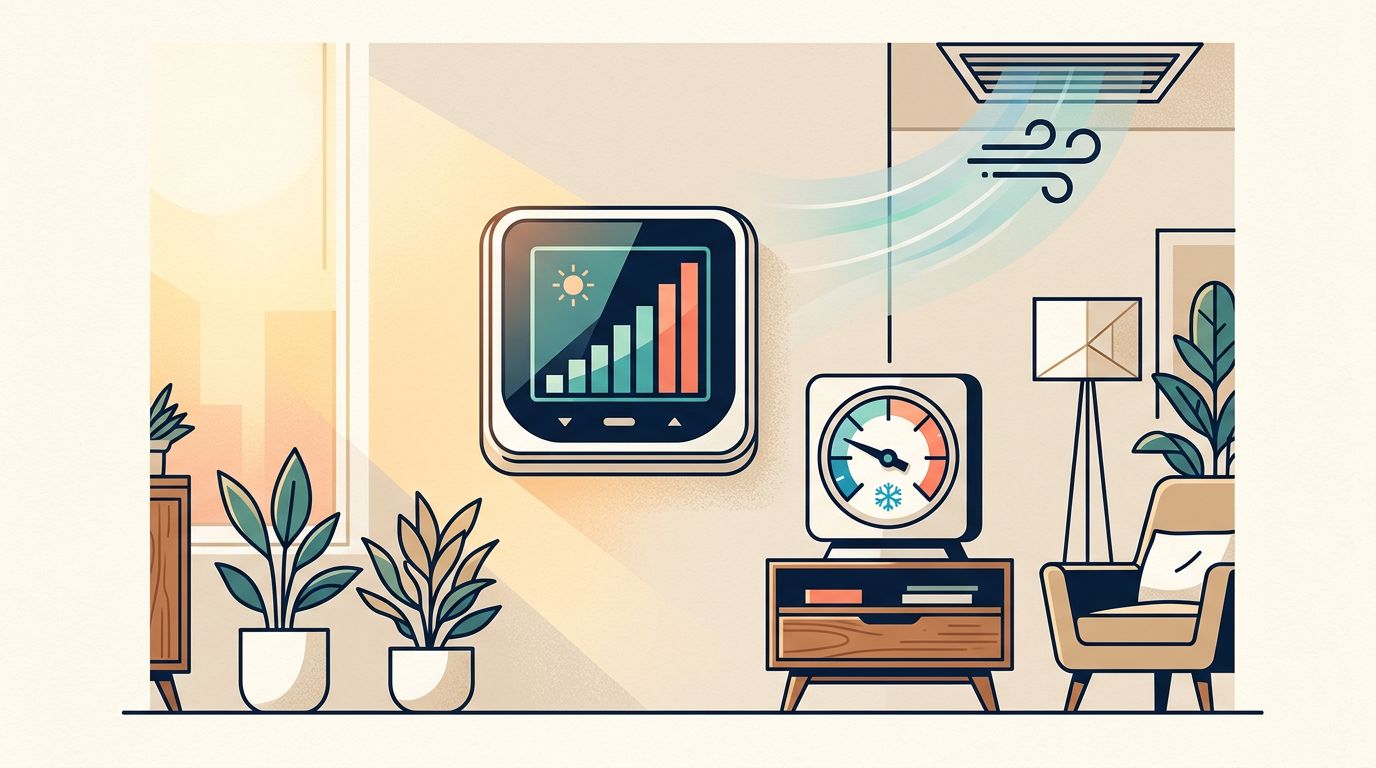
Your home feels warm, but the thermostat claims the room is comfortable. When you search for thermostat wrong temperature , you're usually trying to determine whether the sensor is inaccurate or your air conditioner has another problem.
A thermostat can show the wrong room temperature because of its location, airflow, batteries, calibration, or wiring. The good news is that you can perform several safe checks before scheduling service. Start by comparing the thermostat with a separate thermometer, then look for conditions that affect the reading.
Key Takeaways
- Compare the thermostat with a reliable thermometer placed nearby, away from vents and sunlight.
- A difference of one or two degrees may be normal, but larger or changing gaps deserve attention.
- Thermostat location, dirty components, weak batteries, and calibration settings can affect accuracy.
- Turn off HVAC power before removing the thermostat cover, and never handle wiring if you're unsure.
- Call an HVAC technician when the reading is far off, the system short-cycles, or cooling problems continue.
Signs Your Thermostat May Be Reading the Wrong Temperature
The clearest warning sign is a noticeable difference between the thermostat display and the actual room conditions. For example, the thermostat may show 76 degrees while the room feels closer to 80. You might also notice that one part of the home feels comfortable while the area around the thermostat feels much warmer or cooler.
Watch for patterns rather than relying on one uncomfortable moment. A thermostat reading can seem incorrect when the air conditioner has just started, when a door has opened, or when outdoor heat enters through a nearby window. Allow the room to settle before deciding that the sensor has failed.
Other signs include:
- The air conditioner runs for long periods but the displayed temperature barely changes.
- The system turns on and off within short intervals.
- The thermostat reads differently from a nearby thermometer by several degrees.
- The displayed temperature changes sharply when nobody adjusts the settings.
- The thermostat says the target temperature has been reached, but the room remains uncomfortable.
- Different thermostats in the same home show inconsistent readings.
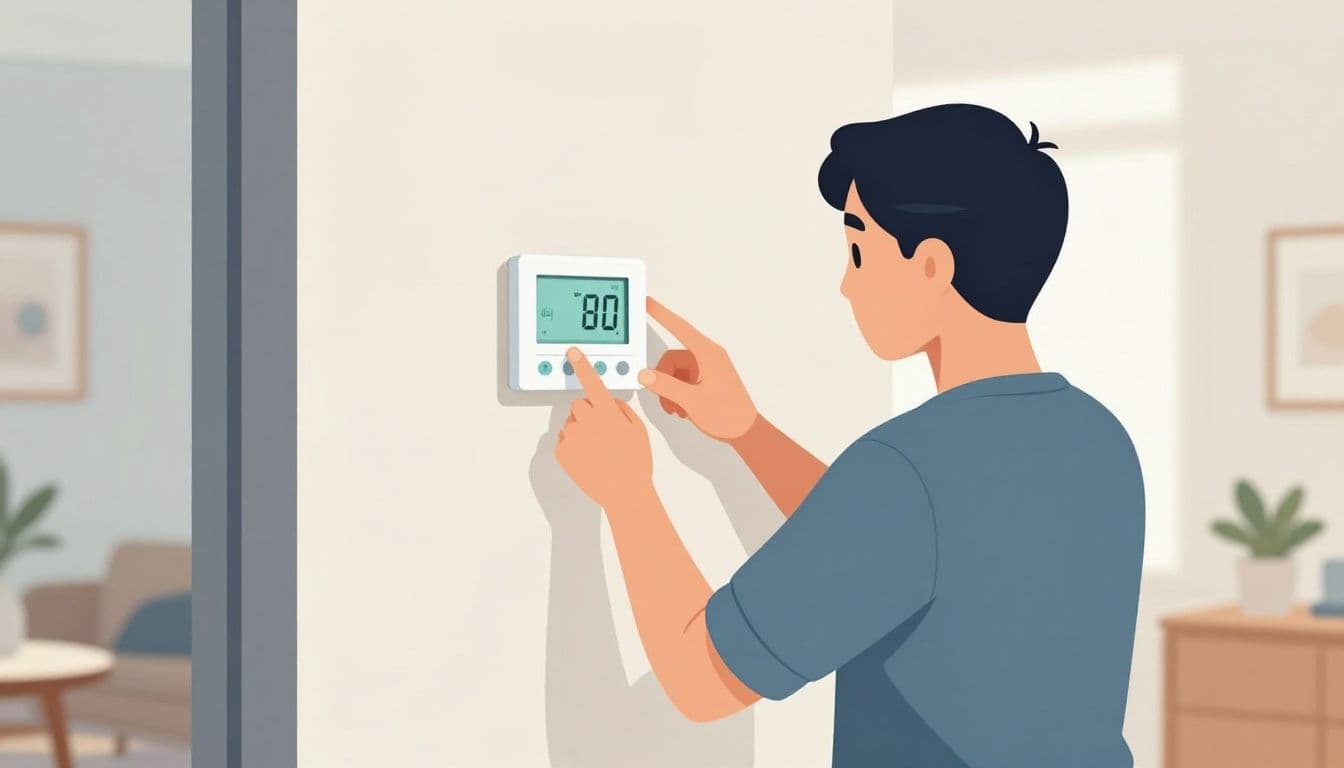
A thermostat does not measure the average temperature of your entire house. It measures the air around its sensor. Therefore, a poor location can create a wrong-looking reading even when the thermostat itself works correctly.
In Southwest Florida homes, direct sun and warm wall surfaces can affect the displayed temperature. A thermostat near a supply vent may read cooler than the rest of the room. One installed near a kitchen, hallway, exterior door, ceiling fan, lamp, or television may also receive uneven heat.
A thermostat can be accurate at its wall location while still giving you an unhelpful picture of the home's overall comfort.
How to Confirm a Thermostat Wrong Temperature Reading
You can test the reading with an independent thermometer. A basic digital room thermometer is enough for a first comparison. Avoid placing it directly under the thermostat or against the wall, because those locations may share the same heat source or airflow problem.
Place the thermometer on a nearby table or shelf, about three to five feet above the floor. Keep it away from supply registers, return grilles, windows, doors, lamps, appliances, and direct sunlight. The thermometer and thermostat should sit in the same general room, but they should not touch.
Then follow these steps:
- Set the thermostat to a steady mode. Put the system in Cool and leave the fan setting on Auto. Avoid changing the setpoint during the test.
- Let the room stabilize. Wait at least 15 to 30 minutes, especially if the air conditioner has recently started or stopped.
- Compare both readings. Record the thermostat temperature and the thermometer temperature at the same time.
- Repeat the comparison. Check again later in the day, preferably when the room has normal activity and the AC has completed a cycle.
- Look for a consistent gap. A stable difference points toward calibration or location. A changing difference may indicate airflow, electrical, or sensor problems.
A small difference does not always mean the thermostat needs replacement. Many thermostats allow a temperature offset, also called a calibration adjustment. The setting may be available in the configuration menu, but the procedure varies by model. Check the thermostat's instructions before changing it.
Do not adjust the offset to hide a larger HVAC problem. If the thermometer says 78 degrees and the thermostat says 73, changing the display may make the number look better while the air conditioner still fails to cool the room.
Also check whether you're comparing the correct numbers. The setpoint is the temperature you want. The room reading is the current temperature near the thermostat. For example, a setting of 74 does not mean the room should instantly display 74. The system needs time to remove heat.
If the thermostat display is blank, intermittent, or difficult to read, the problem may involve batteries, power, the low-voltage circuit, or the control board. You can review these blank thermostat screen troubleshooting steps, but stop before opening electrical components.
Why Thermostats Read the Wrong Temperature
Thermostat accuracy depends heavily on placement. A sensor mounted on an exterior wall may pick up heat from outside, especially during a hot Florida afternoon. Sunlight through a nearby window can also make the thermostat believe the room is warmer than it is.
Air movement creates another common problem. A thermostat near a supply vent may receive a stream of cold air and shut the system off too early. A unit close to a return grille may sense air that does not represent the temperature in the living area. Drafts around the wall plate can affect older installations as well.
Dust can interfere with some thermostat sensors. If your model has visible dust around the openings, turn off HVAC power at the appropriate disconnect or breaker before removing the cover. Use only gentle, dry cleaning methods recommended by the manufacturer. Never spray cleaner inside the thermostat.
Weak batteries can cause more than a blank screen. Some battery-powered models may show unstable readings, reset settings, or respond slowly when the batteries are nearly depleted. Replace batteries with the correct type, then allow the thermostat time to restart.
Calibration can also drift as a thermostat ages. Mechanical thermostats are more likely to develop accuracy issues over time, while electronic models can experience sensor failure or control problems. A thermostat upgrade may help when the device is old, unreliable, or poorly suited to the home's current HVAC system.
Wiring problems are less common but more serious. A loose low-voltage connection can cause incorrect operation, repeated resets, or a system that does not respond to temperature changes. Turn off HVAC power before removing any thermostat cover. If you see loose wires, corrosion, scorching, or damaged insulation, replace the cover and call a trained technician.
Test the Thermostat Without Creating a Bigger Problem
A few simple observations can help separate a thermostat issue from an air-conditioning issue. First, check whether the thermostat is set to Cool and whether the setpoint is lower than the room reading. Confirm that the fan is set to Auto unless you intentionally want continuous fan operation.
Next, check the air coming from the vents after the system has run for several minutes. Cool airflow suggests the system is responding, although it does not prove the thermostat is accurate. Weak airflow, warm air, unusual sounds, or an outdoor unit that never starts point to other HVAC faults.
Look at the air filter if it is accessible. A heavily clogged filter can reduce airflow and make the home feel warm even when the thermostat is working correctly. Replace it with the correct size, but do not use a filter that is too restrictive for your system.
Keep the outdoor condenser clear of leaves, grass, and stored items. Do not open the electrical disconnect or remove access panels. If the unit has lost power, repeatedly trips a breaker, or makes a loud electrical sound, turn the system off and schedule service.
A thermostat reading may be accurate while the HVAC system struggles to meet the setting. For example, a refrigerant problem, dirty coil, blocked drain, failing capacitor, or duct issue can leave the room warmer than expected. If your air conditioner is blowing warm air, the thermostat is only one possible cause.
When to Call an HVAC Technician
Professional service makes sense when the thermostat and independent thermometer show a steady difference of several degrees after the room stabilizes. Service is also appropriate when the thermostat is in a poor location and you need to determine whether relocation, rewiring, or replacement is the right fix.
Call promptly if the air conditioner short-cycles, runs continuously, fails to start, or produces warm air. A wrong temperature reading can cause the system to run too long or shut down before the home reaches a comfortable temperature. Either condition can increase wear and leave humidity uncontrolled.
Electrical symptoms require extra caution. Turn off HVAC power before removing a thermostat cover, but do not attempt electrical repairs if you cannot identify the correct breaker, understand the wiring, or work safely around control components. Never bypass a safety switch or connect wires based on color alone.
A technician can test the sensor, control voltage, wiring, system operation, and temperature difference across the equipment. They can also check whether the thermostat is compatible with the air conditioner or heat pump. This matters when replacing an older unit with a newer variable-speed or heat-pump system.
Conclusion
A thermostat wrong temperature problem usually becomes clear after a controlled comparison with a separate thermometer. Check the thermostat's location, allow the room to stabilize, and look for a consistent difference instead of reacting to one quick reading.
If the gap remains large, or the AC also runs poorly, the thermostat may not be the only issue. Safe testing can narrow the cause, while professional service can protect the wiring, equipment, and comfort of your Southwest Florida home.
Recent Posts